Digital Document Organizer business idea for 2026

Want more practical business ideas for the US market?
👉 Follow us on Facebook for daily ideas and tips.
👉 Save ideas on Pinterest — or get them by email.
Turn idea into action
Calculate a business plan for this idea
Log in to generate a plan from this idea. We will reuse the article's niche and context; you only add your market location.
Log in to calculateWhat is a Digital Document Organizer?
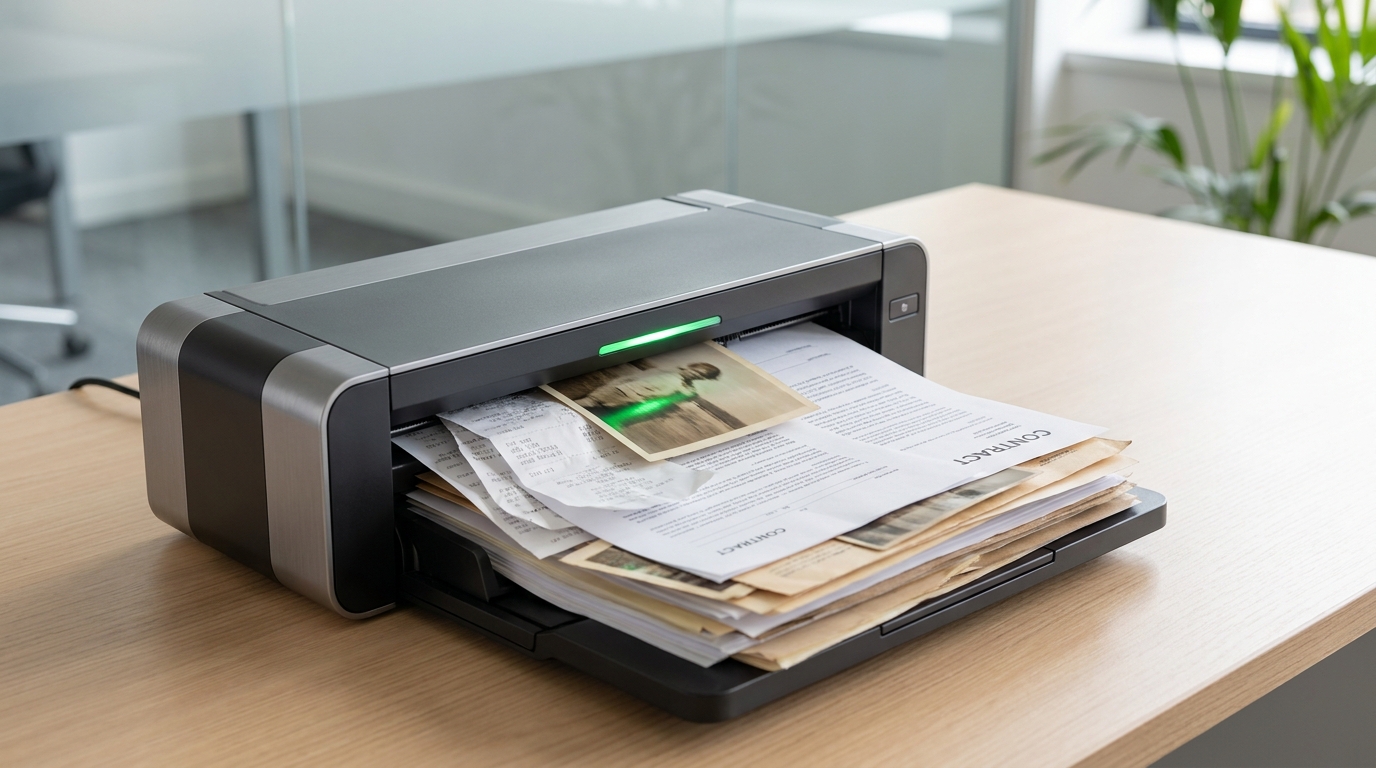
The Digital Document Organizer business idea for 2026 centers on providing a crucial service to individuals and small businesses: transforming cluttered physical documents into an organized, secure, and easily accessible digital archive. This isn't merely about scanning papers; it's about creating a streamlined system that enhances efficiency, reduces physical clutter, and offers peace of mind. Your service would involve collecting various physical documents—ranging from tax receipts, legal papers, medical records, and financial statements to cherished family photos and vital records—and meticulously digitizing them. Once digitized, these documents are categorized, indexed, and stored in a secure, searchable digital format, often utilizing cloud-based solutions or secure local storage, tailored to the client's preferences and needs. The ultimate goal is to empower clients with instant access to their important information, anytime, anywhere, without the hassle of sifting through stacks of paper.
Why Start This Business in 2026?
The landscape for a Digital Document Organizer business in 2026 is exceptionally fertile. Several converging trends make this an opportune moment to launch such a service in the United States. Firstly, digital literacy across all age groups continues to rise, making the transition to digital documents less daunting for a broader client base. People are increasingly comfortable with and expect digital solutions for everyday tasks. Secondly, the desire for efficiency and decluttering is a pervasive cultural trend. Busy households and solo entrepreneurs often find themselves overwhelmed by paperwork, lacking the time or expertise to manage it effectively. A professional service offers a tangible solution to this common pain point.
Furthermore, the shift towards remote work and digital-first operations for many small businesses underscores the necessity of accessible digital records. Tax preparation, legal compliance, and general business operations are significantly smoother with an organized digital archive. Data security and disaster preparedness also play a role; physical documents are vulnerable to loss, damage, or theft, whereas properly backed-up digital files offer greater resilience. Finally, demographic shifts, particularly an aging population, mean there's a growing need for assistance in organizing estates, medical records, and personal histories for families and caregivers. These factors collectively create a robust demand for professional digital document organization services.
Who Are Your Ideal Clients?
Identifying your ideal client base is key to effective marketing and service delivery. For a Digital Document Organizer in the U.S., several distinct segments stand out:
- Busy Professionals and Families: Individuals or households juggling careers, family life, and personal commitments often find themselves drowning in paperwork. They value convenience and efficiency and are willing to pay for a service that frees up their time and mental energy. Think dual-income households, parents with school-aged children, or individuals managing elderly parents' affairs.
- Small Business Owners and Solo Entrepreneurs: These clients frequently lack the dedicated administrative staff to manage their financial, legal, and operational documents. They need organized records for tax season, audits, client management, and general business continuity, but their focus is on their core business activities. This includes consultants, freelancers, real estate agents, and small retail owners.
- Seniors and Their Families: As individuals age, managing a lifetime of documents can become overwhelming. Their adult children often seek services to help organize wills, medical records, financial statements, and cherished family photos, especially during periods of downsizing or estate planning.
- Individuals with Specific Archiving Needs: This niche might include genealogists collecting family histories, hobbyists with extensive collections of physical media, or individuals preparing for a move who wish to minimize what they transport.
Focusing your marketing efforts on these groups will allow you to tailor your messaging and services to their specific pain points and needs.
Essential Tools & Startup Costs
Launching a Digital Document Organizer business from home requires a thoughtful investment in reliable equipment and software. Here's a breakdown of essential tools and a realistic estimate of startup costs in USD:
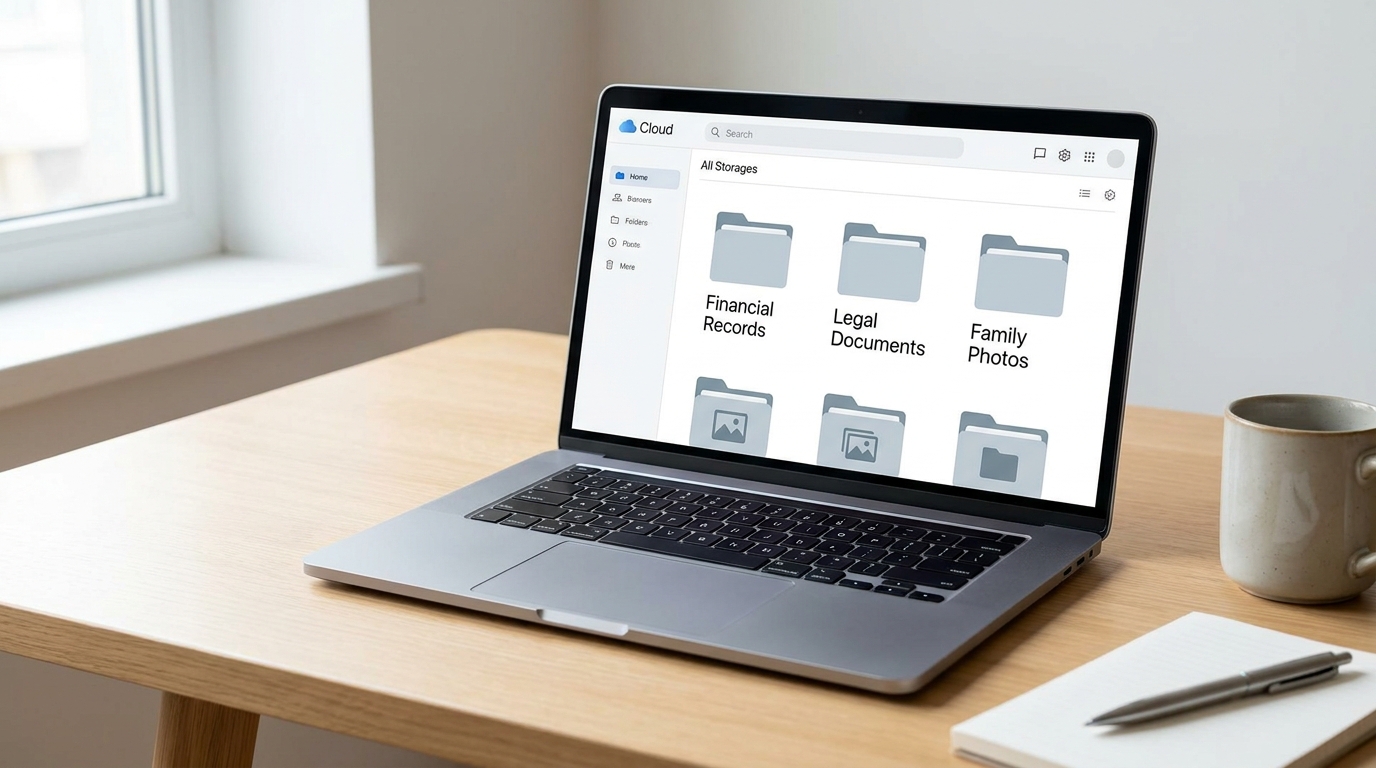
- High-Speed Duplex Scanner: This is your primary workhorse. Look for professional-grade document scanners that can handle various paper sizes, scan both sides simultaneously (duplex), and have optical character recognition (OCR) capabilities. Brands like Fujitsu ScanSnap, Epson WorkForce, or Brother often offer suitable models. Cost: $300 - $800.
- Reliable Computer: A fast computer with ample processing power and storage is essential for handling large volumes of digital files and running scanning software efficiently. Cost: $800 - $1,500.
- External Hard Drive or Network Attached Storage (NAS): For secure local backups and additional storage capacity. Cost: $100 - $300.
- Cloud Storage Subscription: For secure, accessible, and shareable client files. Services like Dropbox Business, Google Drive, OneDrive for Business, or specialized document management systems offer varying features and security levels. Cost: $15 - $50 per month (initial subscription).
- Cross-Cut Shredder: For securely disposing of physical documents after digitization, ensuring client privacy. Cost: $50 - $200.
- Basic Office Supplies: Binders, labels, file folders (for temporary organization), pens, etc. Cost: $50 - $150.
- Professional Website/Online Presence: A simple website or a strong profile on a professional platform showcasing your services, pricing, and contact information. Includes domain registration and hosting. Cost: $100 - $300 annually (initial setup may be higher if hiring a designer).
- Business Insurance: Essential for liability protection, especially when handling sensitive client documents. Cost: $300 - $700 annually.
- Marketing Materials: Digital flyers, business cards, social media ad spend. Cost: $50 - $200.
Total estimated startup costs for a lean home-based operation can range from approximately $1,800 to $4,200, not including initial operational expenses like utilities or internet. This range provides a solid foundation without overspending on unnecessary frills.
Your First 14 Days: Launching Your Service
The initial two weeks are critical for laying a solid foundation for your Digital Document Organizer business. Here's a practical roadmap:
- Days 1-3: Legal & Financial Setup. Register your business (e.g., as a Sole Proprietorship or LLC) with your state and obtain an Employer Identification Number (EIN) from the IRS, even if you don't plan to hire immediately. Open a dedicated business bank account. Research and secure appropriate business insurance, focusing on professional liability and data breach coverage.
- Days 4-7: Technology & Workspace. Set up your home office space, ensuring it's organized and secure for handling client documents. Install and configure your high-speed scanner and associated software. Establish your cloud storage system and local backup protocols. Create a robust folder structure for client files, ensuring consistency and ease of retrieval.
- Days 8-10: Service Definition & Practice. Define your core service packages (e.g., basic home archive, small business compliance, photo digitization). Create sample documents and practice your scanning, OCR, and indexing workflow. This helps refine your process and ensures you can articulate it clearly to potential clients. Develop a client intake form and a service agreement outlining terms, privacy, and data handling.
- Days 11-14: Initial Marketing & Networking. Launch a simple, professional website or a dedicated landing page detailing your services, pricing, and contact information. Create profiles on relevant social media platforms like LinkedIn and local Facebook groups. Draft an introductory post or digital flyer. Begin local networking by attending a virtual or in-person Chamber of Commerce meeting, or connecting with local small business owners. Consider reaching out to friends and family as potential first clients or for referrals.
By the end of these two weeks, you should have a legally established business, a functional workspace, defined services, and an initial online presence ready to attract your first clients.

Securing Your First 3 Clients
Gaining initial traction is crucial. Here’s a strategic approach to securing your first three clients:
- Leverage Your Network (Client 1): Start with friends, family, or close acquaintances. Offer them a significant introductory discount or a small, low-cost
Want more practical business ideas for the US market?
👉 Follow us on Facebook for daily ideas and tips.
👉 Save ideas on Pinterest — or get them by email.
Note: Comments are being moderated and may take a while to appear. There is no need to resubmit your comment.